
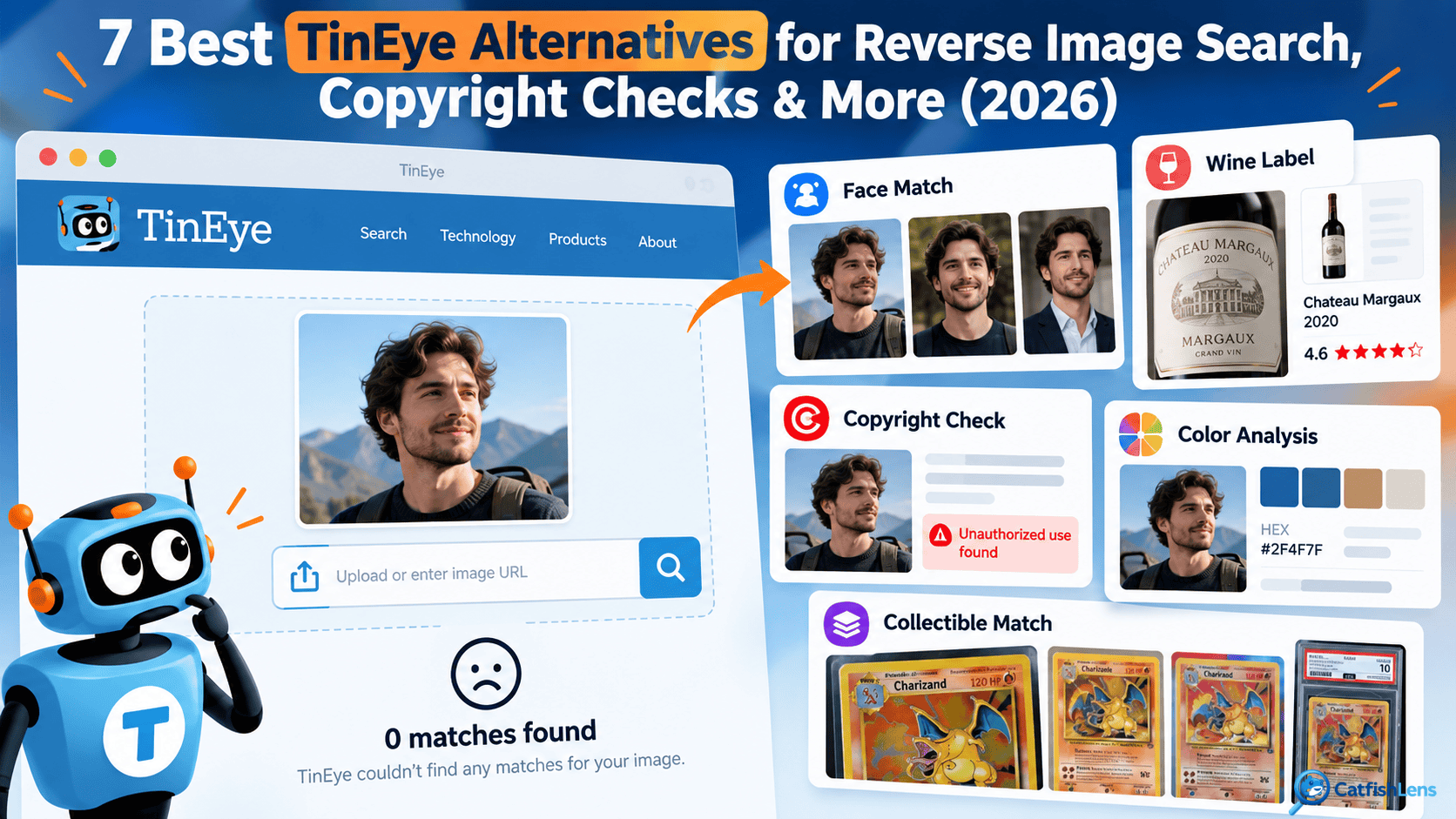
TinEye works fine for finding exact image copies online, but it cannot analyze facial features, extract text, or enforce image copyright claims.
If you need a face recognition tool with image monitoring or website license checks, these 7 TinEye alternatives work much better.
1. CatfishLens: Best for Tracking Stolen Photos
CatfishLens is a facial recognition tool designed to verify faces in different pictures, unlike TinEye, which can’t find photos of the same person in different outfits or settings.
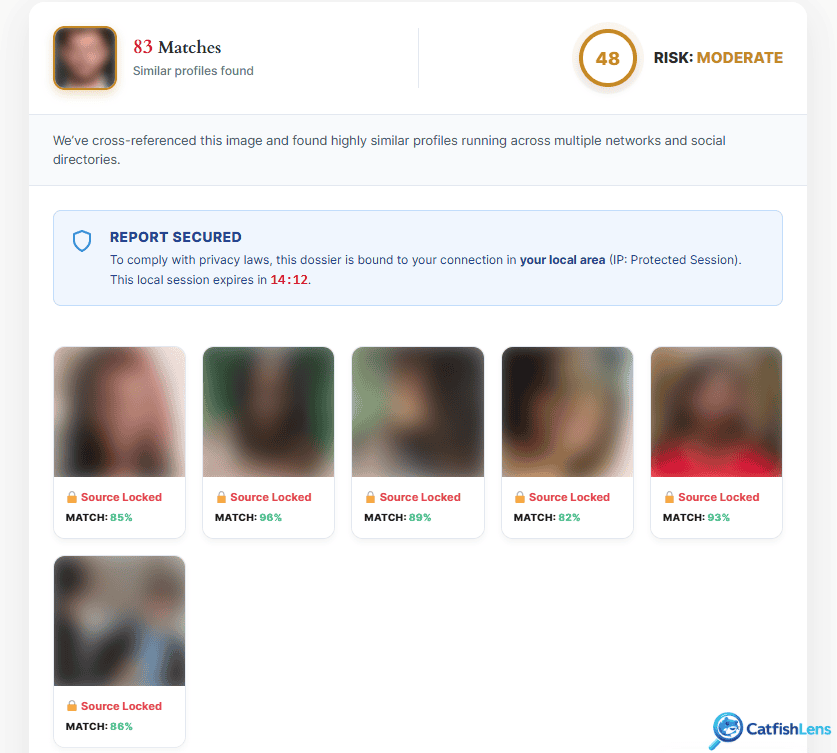
CatfishLens focuses on facial traits, helping identify photoshopped, AI-generated, and stolen pictures (labeled by risk level).
CatfishLens verifies unknown people from their photos, even if they use different pictures or names on social media, Tinder, Bumble, news articles, and blogs.
CatfishLens prices depend on how much you’re going to use it: $7.95 for 2 lookups, $10.95 for 5 lookups, $149.50 for 50 lookups, and other custom plans!
*CatfishLens doesn’t work for photos of products.
2. CopySeeker: Best Free TinEye Alternative for Source Tracking
CopySeeker is a face search engine with extra features. Besides basic searches, users can also choose between built-in tools for different cases, such as:
- Exact matches & sources
- AI-generation detection
- Extract text
- Find hidden camera details
- Flag explicit content
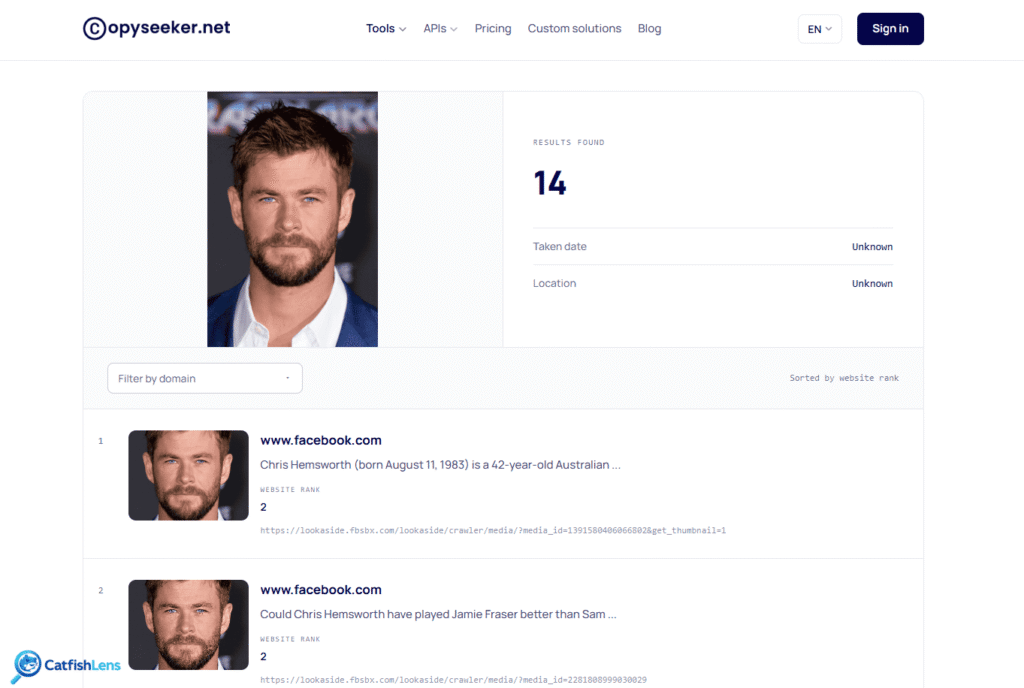
CopySeeker is best used for spotting widely shared and unedited images via its official website, Chrome extension, or iOS app.
You don’t even need an account to reverse search a photo on CopySeeker, and all uploaded files get deleted within a day.
For better performance and fewer limitations, you can choose one of the paid plans: $9/mo, $90/yr, or $450 for a lifetime.
While TinEye shows findings by upload date and often provides no results, CopySeeker ranks matches by site credibility and finds more matches.
3. Google Cloud Vision AI: Best for Custom Bottle & Product Recognition
Google Cloud Vision AI is an enterprise developer API that extracts structured data, text, and web matches from uploaded images.
Beyond image analysis, Google Cloud Vision AI can label objects, detect facial emotions, flag unsafe content, and find matching images online.
To use it, you’ll need a cloud account and API code.
Users get 1,000 free image scans every month. If you look up more than 1,000 face photos, it costs $1.50. The more lookups, the lower the price!
*Developers can pair Google Cloud Vision AI with Gemini models to troubleshoot code and ask questions about image details in real time.
4. Lenso.ai: Best for Face, Place, Object & Similar Image Searches
Lenso.ai is a partially free visual lookup tool that groups images into People, Places, Duplicates, Similar, and Related.
In some ways, Lenso.ai is better than TinEye; e.g., you can isolate a person’s face or location and use features like research mode, DMCA assists, saved search collections, and email alerts for new matches.
Depending on the image’s quality, it can also find images of collectibles, cards, wine labels, and matching colors found in photos.
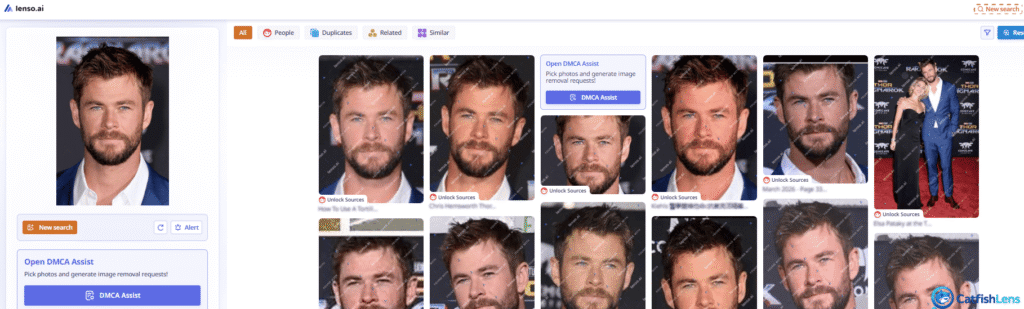
However, Lenso.ai is restricted in some countries, and accessing sources requires a subscription:
- Monthly: $20.00 – $70.00 – $2,800.47
- Yearly: $200.03 – $700.21 – $28,007.46
5. Pixsy: Best for Recovering Money From Stolen Photos
Pixsy is a copyright service that pairs reverse image search with continuous legal enforcement.
To start, you have to sign up, upload your photos, let web scans catch unauthorized photo uses, and file recovery claims.
Pixsy handles copyright disputes and offers free photo monitoring for 500 images monthly. If you want more searches, you have to pay $19 or $39, up to $89.
*Resolving claims takes time and money, so consider the ongoing cost before signing up.
6. ImageVerifier: Best Free Alternative for Stock Photo License Audits
ImageVerifier is a reverse search tool that checks websites for stock photo violations.
Instead of uploading files one at a time like TinEye, ImageVerifier crawls your entire site at once.
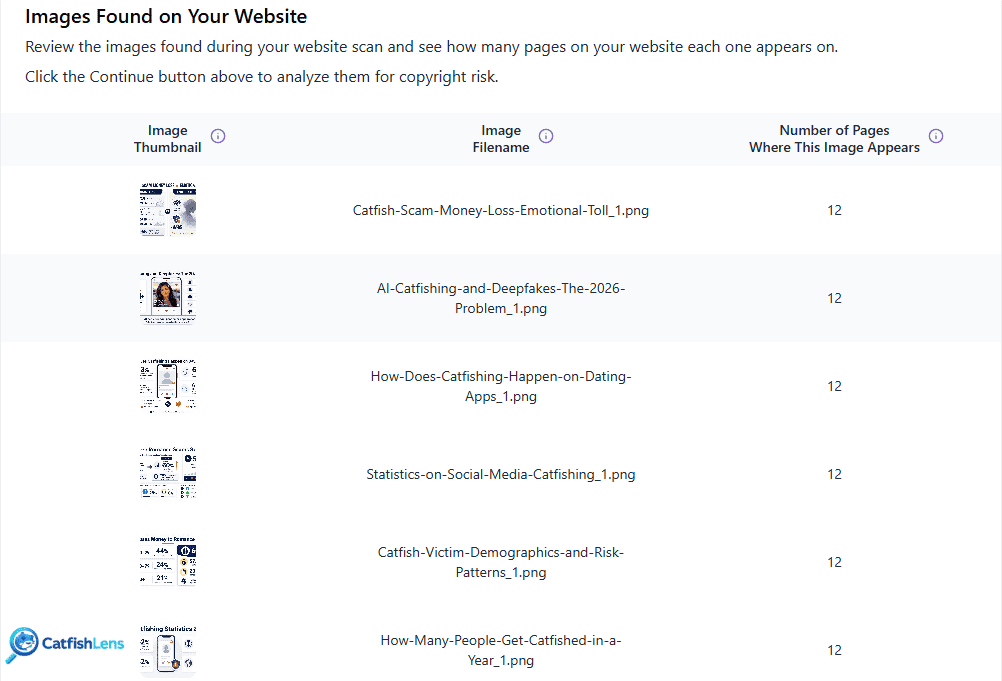
It compares your photos against stock sites like Shutterstock and Adobe Stock, and checks all your published photos for missing stock licenses to avoid costly legal demands or lawsuits.
Unlike TinEye, ImageVerifier offers paid plans, and with each 100-pack you buy, ImageVerifier gifts 100 extra lookups:
- $18 for 100 searches
- $140 for 1,000 searches
- $1,100 for 10,000 searches
- $7,000 for 100,000 searches
*You get 50 free searches.
Watch out: You can’t always trust ImageVerifier’s reports because it often misidentifies original images as stock media across multiple websites.
7. Sightengine: Best for Private Image Matching & Fraud Detection
Sightengine is an automated image moderation API used to protect apps and platforms from fake accounts.
It runs real-time background checks for deepfakes, stolen images, NSFW content, and fake selfies used to skip photo-verification steps.
While TinEye generally helps with finding publicly published images, Sightengine operates inside your app infrastructure to catch catfishing and duplicate profiles during signup.
It requires API integration, but compared to TinEye, it’s far more useful for fraud controls.
Which Tools Replace TinEye’s Wine, Card, Color, and Image Recognition Features?
Other than finding exact matches, TinEye can identify specific items, extract colors, or scan product labels, but often, these alternatives do it better:
Ximilar: Identifies trading cards, comics, coins, and stamps, with tools for reading graded-card labels and organizing private collections.
CardSight & Scrydex: Recognize trading cards like Pokémon and Magic: The Gathering directly from photos to simplify cataloging.
Imagga: Identifies dominant colors and isolates the main item from its background, making product tagging and sorting easy.
Vivino: Scans wine labels to display ratings, tasting notes, and prices.
Wine-Searcher: Matches wine, beer, and spirits labels to details about vintages, critic scores, prices, and retailers.
CellarTracker: Identifies wine labels and helps users manage bottle collections and tasting notes.
So, to summarize…use Ximilar for collectibles, Imagga for color analysis, and Vivino or Wine-Searcher for wine information.
 English
 German
 French
 Dutch
Leave a Reply