
Find Social Media Accounts by Photo
Upload a profile picture, selfie, or screenshot. CatfishLens scans publicly indexed web sources across social networks, dating apps, and creator platforms to find matching profiles, reused photos, and linked accounts without needing a name or username.
How CatfishLens Finds Social Media Profiles by Photo
Traditional search engines require exact names, usernames, or phone numbers—details that fake accounts and catfish profiles frequently conceal or forge. CatfishLens begins with the visual biometrics of the image itself, comparing facial geometry against indexed public web sources.
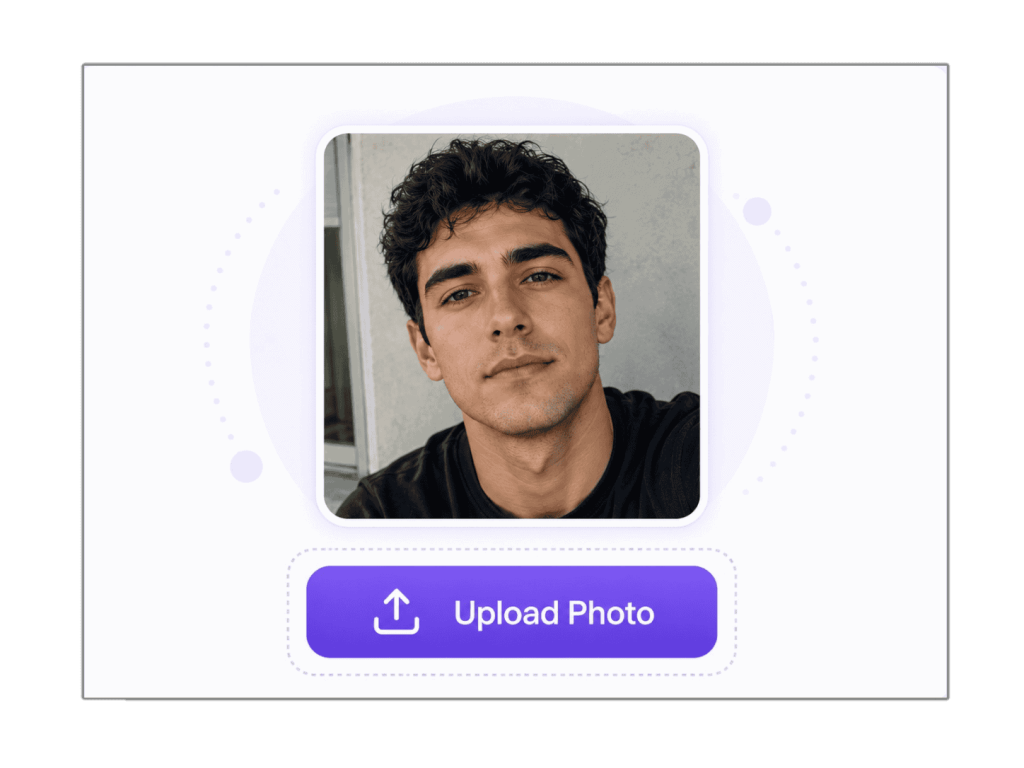 Step 01
1. Upload a Clear Photo
Add a profile picture, selfie, screenshot, dating app image, influencer photo, or social media picture. Clear, front-facing photos provide the most precise facial landmark vectors, yielding the most accurate matches across the public web.
- Accepts JPG, PNG, WEBP, and BMP formats up to 6MB
- Works with screenshots from TikTok, X, Tinder, WhatsApp, or web pages
- Photo is processed in temporary RAM and automatically purged
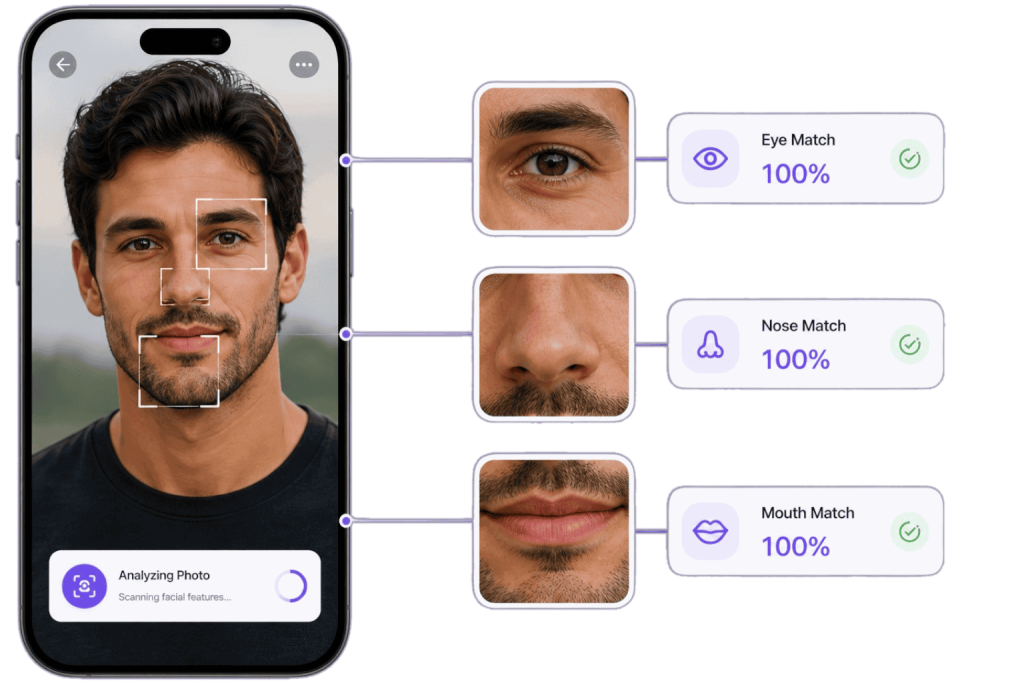 Step 02
2. Scan for Visual & Facial Matches
CatfishLens analyzes biometric facial geometry, landmark proportions, eye spacing, and visual patterns against publicly indexed web pages. It detects whether the same person or image appears across different websites.
- Biometric face search beyond basic reverse image search
- Identifies faces despite altered lighting, filters, or resizing
- Delivers an instant, free estimate of total public matches
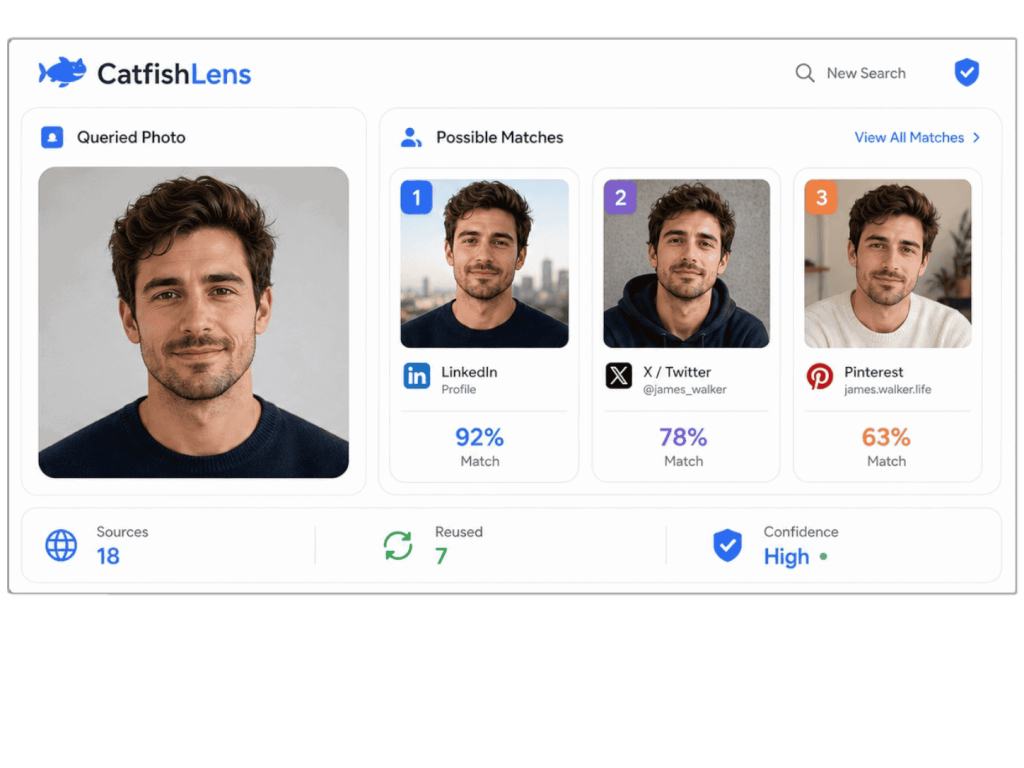 Step 03
3. Review Profiles, Sources & Reused Photos
Inspect candidate profiles from LinkedIn, X/Twitter, Pinterest, Reddit, dating platforms, and creator sites. Use direct source links to verify whether an account is genuine, stolen, or tied to multiple contradictory online personas.
- Direct destination links to publicly hosted source pages
- Side-by-side comparison to spot stolen or cloned profiles
- Transparent pay-per-search unlock with no subscription lock-in
Built for Social Media Photo Search Across the Web
Whether you are verifying an online date, researching an uncredited influencer, or investigating suspected photo reuse, CatfishLens equips you with dedicated visual intelligence tools.
Find Social Media Accounts by Photo Without a Name
Have you ever received a screenshot or found a compelling profile photo from someone whose name leads nowhere? People frequently change their display names, use burner accounts, or register under nicknames. CatfishLens eliminates the need for a name or username by turning the photo itself into your search query.
Uploading the image allows our biometric matching engine to scan public records and social platforms, discovering alternative usernames, secondary accounts, and connected digital footprints across the web.
- Locate hidden profiles when names or handles are unknown or false
- Uncover cross-platform usernames connected to a single profile image
- Trace cropped or re-saved screenshots back to original public posts
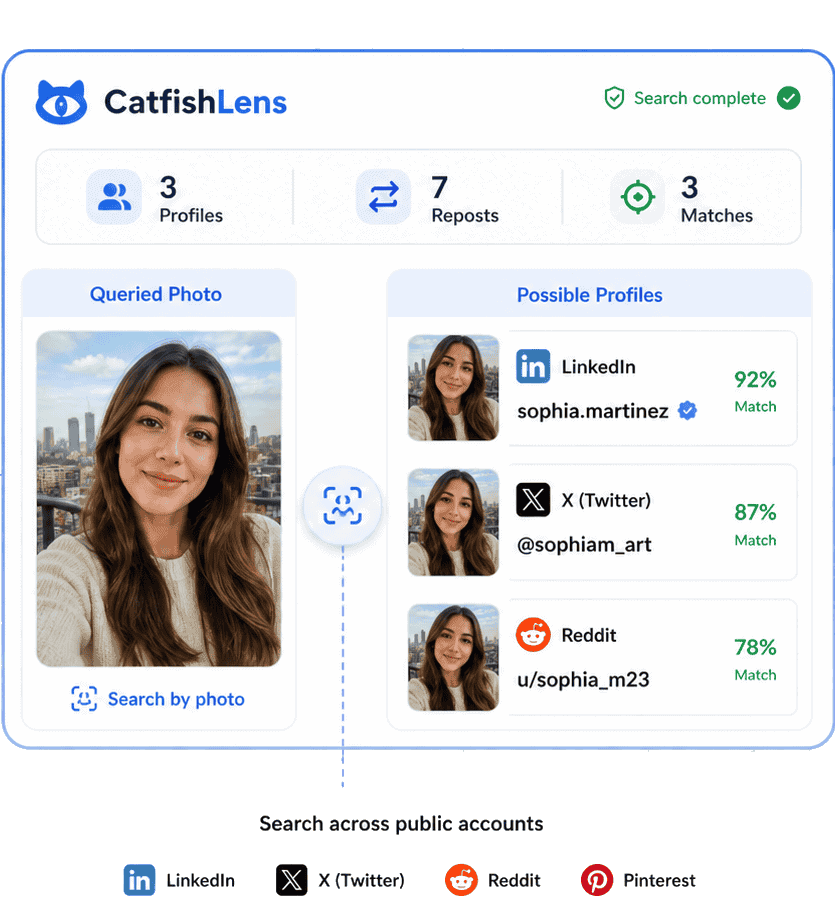
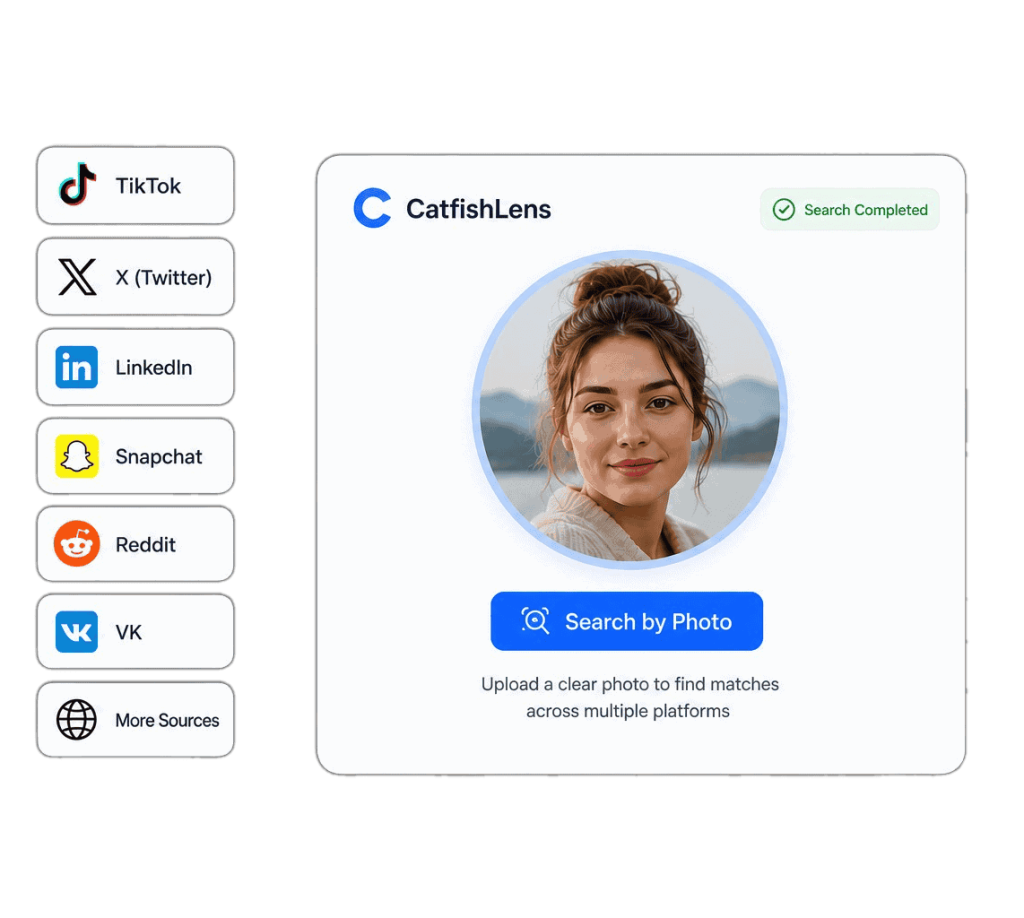
Search Across TikTok, X, LinkedIn & Major Public Platforms
Online identities rarely stay confined to a single app. An individual who posts videos on TikTok may also maintain a professional LinkedIn profile, an active X (formerly Twitter) feed, or a public creator portfolio using similar or identical headshots.
CatfishLens crawls publicly indexed social media content, enabling you to bridge the gap between casual video platforms and professional profiles. This allows you to verify someone’s real background before establishing personal or business relationships.
- Cross-reference professional LinkedIn profiles with personal social feeds
- Check if a short-video creator maintains official channels elsewhere
- Discover whether public profile photos appear across multiple platforms
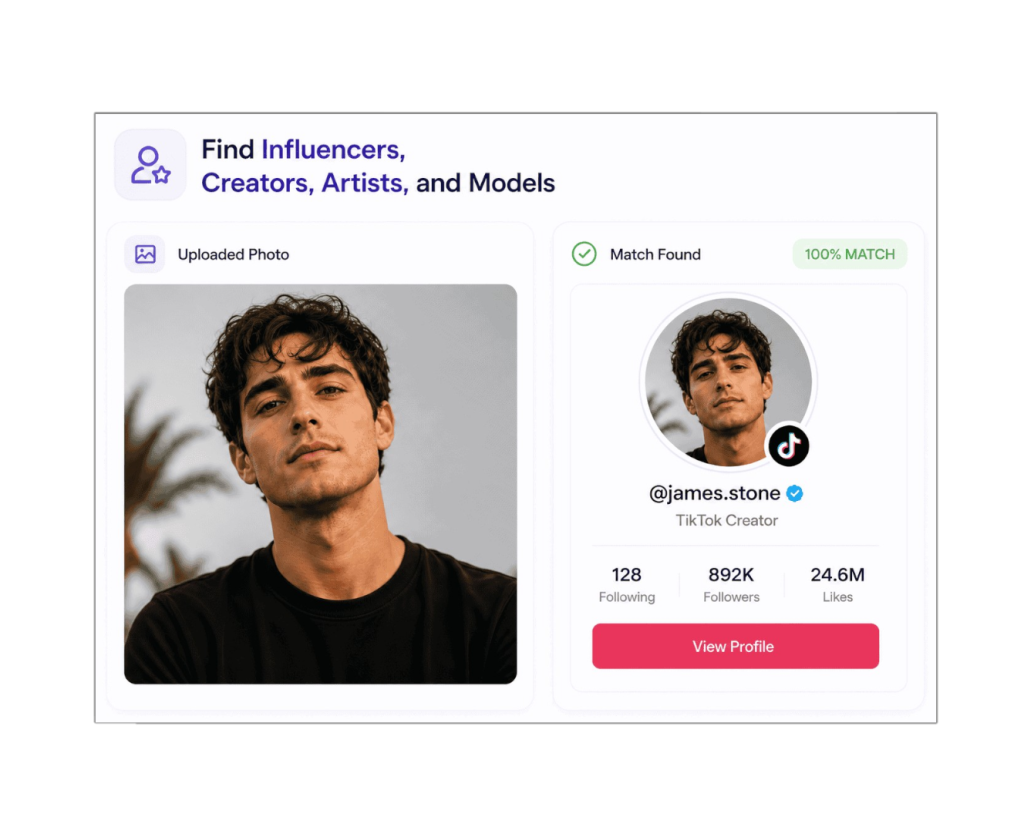
Find Influencers, Creators, Artists & Models by Photo
Did you encounter someone in a viral video, sponsored ad, fan page, or screenshot whose identity is uncredited? Or did a new follower message you with photos that look like a professional model? CatfishLens assists in identifying creators and public personalities directly from their photos.
Scammers routinely target photos of micro-influencers, foreign fitness models, and rising creators because their images look authentic yet aren’t widely recognized by casual users. Our search indexes public model portfolios, agency pages, and verified creator accounts.
- Trace uncredited video stills and viral clips back to the original content creator
- Distinguish between authentic creator profiles and unauthorized fan re-uploads
- Confirm whether a suspicious online contact is impersonating a known model or artist
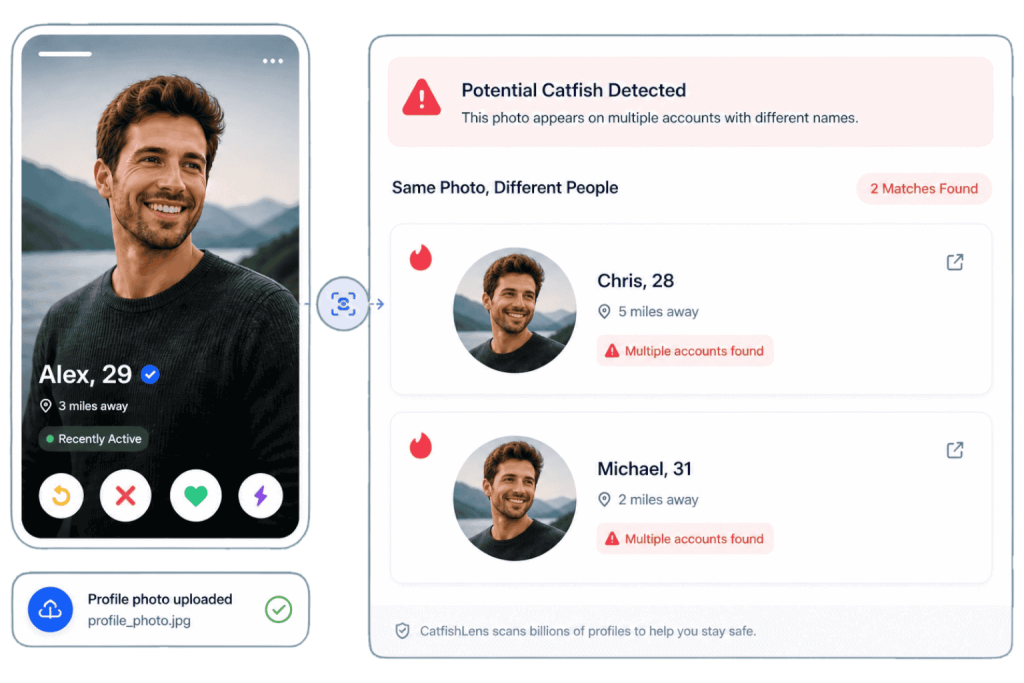
Check Dating App and Catfish Profiles for Stolen Photos
Dating apps like Tinder, Bumble, Hinge, and international matchmaking platforms are frequent targets for romance scammers and catfish operators. Bad actors frequently download attractive photos from social media and construct elaborate fake personas to solicit money or manipulate victims.
Before investing emotional trust or agreeing to meet in person, upload their profile picture to CatfishLens. In seconds, you can verify if that same face is tied to multiple contradictory identities, listed on scam alert boards, or belongs to someone residing on another continent.
- Verify dating app matches before sharing sensitive contact information
- Detect stolen pictures used across conflicting names, ages, or locations
- Spot romance scam operations that reuse photos across multiple accounts
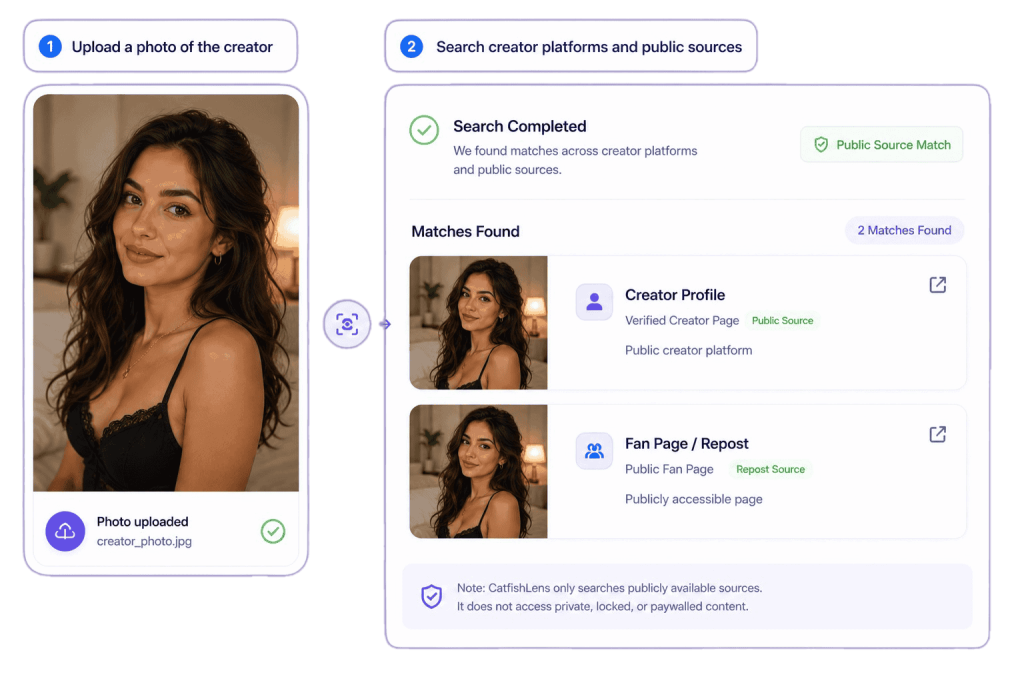
Creator Platform & Public Profile Photo Lookup
Independent creators and digital influencers frequently face unauthorized re-uploads, content piracy, and fake accounts impersonating their brand across subscription networks and public fan repositories.
CatfishLens searches publicly indexed creator pages, fan directories, and public mirror sites to locate where images are being displayed. This helps creators monitor copyright infringements and assists fans in finding authentic, official creator hubs.
- Locate unauthorized re-uploads and stolen creator photos on public indexed platforms
- Verify official creator links and avoid counterfeit social media channels
- Strictly public search: respects paywalls, member portals, and password-protected domains
CatfishLens indexes only publicly accessible open web content. It does not access private, locked, paywalled, or restricted community content.
Go Beyond Basic Image Search Tools
Everyday tools like Google Lens, TinEye, and Bing Visual Search are engineered for products, plants, and identical image files. When looking for a person across social media, pixel-matching tools fail as soon as an image is cropped, filtered, or taken from a different angle.
Face Biometrics vs. Pixel Matching
When someone creates a fake profile or shares a screenshot, the file metadata is stripped, dimensions are altered, and compression artifacts are introduced. Basic reverse image search engines look for duplicate files. If they don’t find the exact same wallpaper, lighting, or file hash, they return zero results.
CatfishLens was specifically built for facial recognition and social media discovery. Our neural models extract 128-dimensional facial vectors—mapping pupil distance, nose bridge contour, and jawline angles—allowing you to identify the same human being across entirely different photos and social networks.
| Search Capability | CatfishLens | Google Lens & TinEye | FaceCheck & PimEyes |
|---|---|---|---|
| Biometric Facial Recognition | Yes (AI Face Geometry) | No (Pixel & Object Matching) | Yes (Facial Recognition) |
| Finds Different Photos of Same Face | Yes (Cross-photo Matching) | Rarely (Requires Duplicate File) | Yes |
| Social & Dating Platform Focus | High (Tuned for Social & Dating) | Low (Tuned for E-commerce & Web) | General Web Index |
| Free Match Count Estimate | Free (Instant Match Count) | Free (Web Results) | Restricted / Freemium |
| Pricing Transparency | Pay-as-you-go (No Recurring Trap) | Ad-supported Free | Expensive Recurring Monthly Plans |
| Automatic Photo Deletion | Guaranteed Purge After Search | Retained in Account History | Policy Varies |
| Account Registration Required | No (Instant Anonymous Upload) | Requires Google/Platform Login | Often Requires Email Verification |
Private, Ethical & Responsible Visual Search
CatfishLens is engineered with privacy as a foundational design principle. We deliver verification power to users while strictly adhering to public data ethics.
Automatic Photo Purging
When you upload an image, it is encrypted via SSL/TLS and transferred directly to temporary processing memory to compute mathematical facial vectors. As soon as your search results are compiled, the original uploaded photo is permanently removed from our active servers.
Strictly Public Sources
Our crawler only indexes images and pages that are openly published on the public web and indexed by search engines. CatfishLens does not intercept private messages, circumvent locked privacy controls, or access private social accounts.
Responsible Verification
CatfishLens is designed for self-verification, detecting romance fraud, verifying online transactions, and protecting creators against stolen imagery. It is not a consumer reporting agency under the FCRA and must not be used for stalking, harassment, or unlawful surveillance.
Frequently Asked Questions
Everything you need to know about finding social media accounts by photo, search accuracy, and privacy protections.
How do I find someone’s social media accounts by photo?
To find social media accounts by photo, upload any clear picture (such as a profile photo, selfie, or screenshot) to the CatfishLens uploader at the top of this page. Our facial recognition engine analyzes biometric facial landmarks and searches publicly indexed web pages across social networks, dating apps, and creator websites. You will receive a free estimate of public matches found, with the option to unlock full source URLs and profile links.
Can I search for social media profiles without knowing their name or username?
Yes. That is the core advantage of CatfishLens. Traditional search engines and social apps require you to know a person’s exact name, phone number, email, or username. If someone is using a pseudonym, fake profile name, or catfish identity, text searches fail. CatfishLens uses the photo itself as the query, locating matching profiles regardless of what name or handle is displayed.
Which social media platforms does CatfishLens search?
CatfishLens searches publicly indexed pages across major social networks and web platforms including TikTok, X (formerly Twitter), LinkedIn, Pinterest, Reddit, VK, YouTube, Telegram public channels, dating services (such as Tinder, Bumble, Hinge, and Badoo public pages), and creator platforms. Note that only publicly accessible content is indexed—private or locked accounts are protected.
How does CatfishLens differ from Google Lens or TinEye?
Google Lens and TinEye rely primarily on exact-match or near-exact reverse image search—matching identical pixels, backgrounds, clothing, and duplicate files. If a scammer crops, flips, or uses a different photo of the same person, traditional tools frequently fail. CatfishLens is a specialized biometric face search engine: it maps 128+ facial landmark points to identify the same individual across completely different photos, lighting conditions, and angles.
Can reverse image search verify if a dating profile is a catfish?
Yes. Catfish detection is one of the most common use cases for CatfishLens. If a dating match on Tinder, Bumble, or Hinge is using photos stolen from an influencer, model, or someone in another country, CatfishLens will locate the original public sources where that photo was first published, helping you identify romance scams before emotional or financial harm occurs.
Does CatfishLens search private or locked social media accounts?
No. CatfishLens strictly adheres to ethical web scraping and privacy standards. It only scans publicly accessible images indexed on the open internet. It does not hack, access private social profiles, unlock closed Snapchat feeds, or view private direct messages.
Is my uploaded photo kept private and secure?
Yes, your privacy is strictly protected. Uploaded photos are encrypted in transit via SSL/TLS and are used exclusively to generate facial vector embeddings for the search query. Once the visual search is completed, the uploaded image is automatically and permanently deleted from our temporary processing servers.
Is it free to upload and search on CatfishLens?
Yes. It is 100% free to upload an image and scan the web to see how many matching public results exist across social media and web sources. If you wish to view the full list of direct source URLs, profile links, and high-resolution comparisons, you can easily unlock them without recurring subscription traps.
Ready to Find Social Media Accounts by Photo?
Upload a profile picture, selfie, or screenshot now. Scan millions of publicly indexed web sources and discover matching profiles in seconds.
 English
  German
  French
  Dutch
Dutch  Spanish
  Portuguese