
AI Face Search Engine – Find Where a Face Appears Online
Upload any clear face photo. CatfishLens searches publicly indexed images across the web for matching or similar faces, estimates your total public footprint for free, and links you directly to source pages.
How CatfishLens Searches a Face Online
CatfishLens uses biometric facial similarity mapping to compare the face in your photo against millions of publicly accessible online photos. Instead of relying solely on exact pixel copies, it analyzes facial geometry, landmark proportions, and public visual footprints.
 1
1
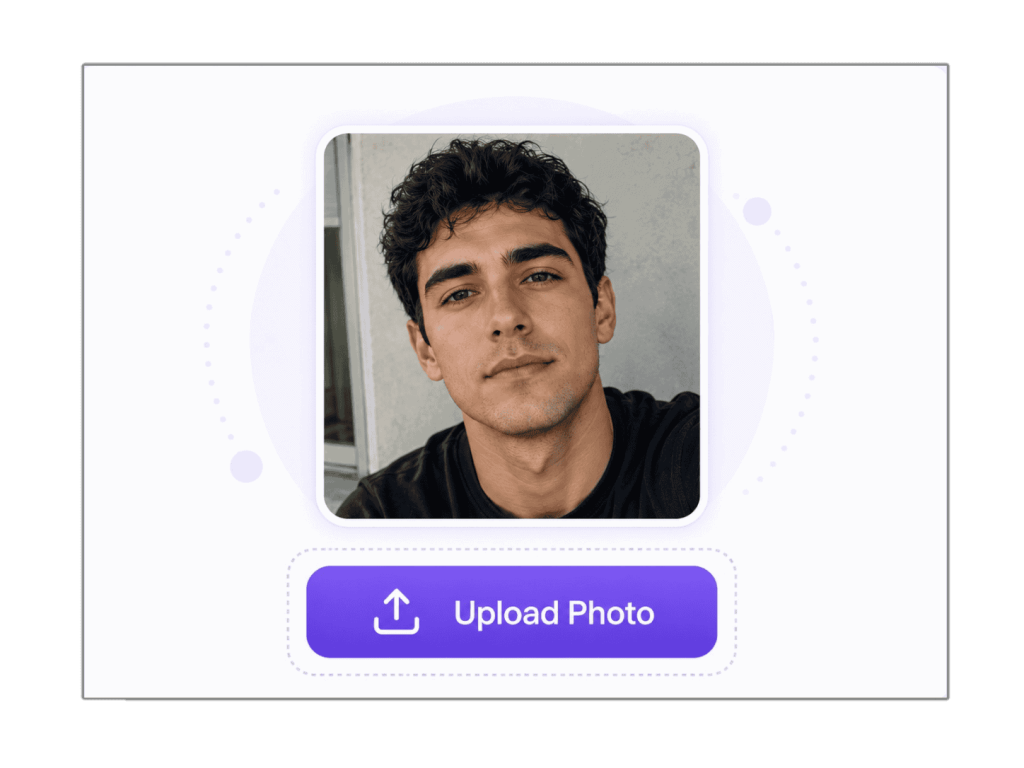
1. Upload a Face Photo for Lookup
Upload a selfie, profile picture, cropped face, screenshot, or dating app photo. CatfishLens reads visible facial landmarks and prepares the image for AI comparison.
 2
2
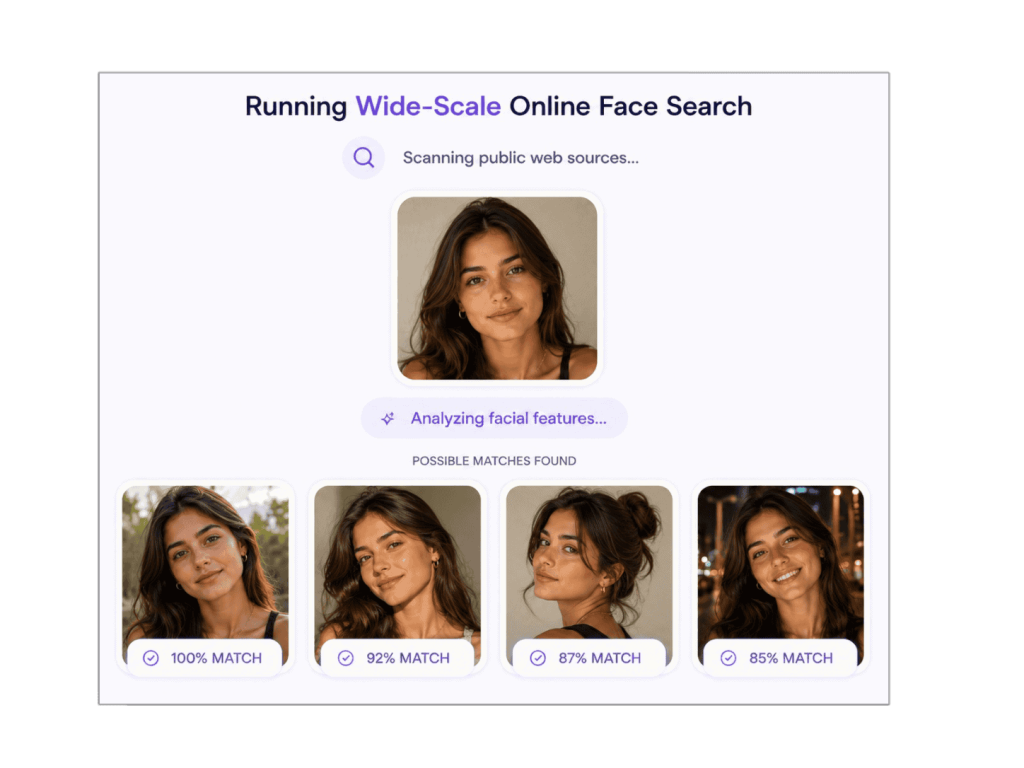
2. Compare the Face Against Public Matches
The system checks open web indexes for visual similarity, matching facial features, duplicate photos, and pages where a similar person appears.
 3
3
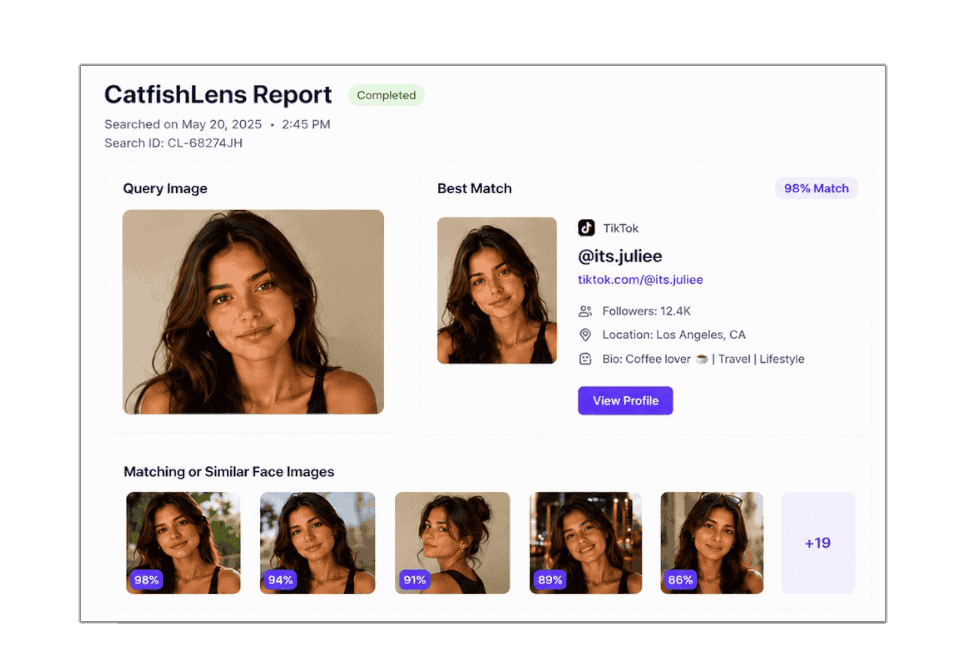
3. Review Face Matches and Identity Clues
See estimated public match counts for free, inspect visual similarities, and unlock direct source links to verify where the photo came from and what context surrounds it.
What Can a Face Search Find?
A reverse face search is engineered to discover where a person’s likeness appears publicly online. Understanding the boundary between visual search and identity discovery ensures realistic, actionable results.
What CatfishLens Can Reveal
- Public source web pages: Direct links to open websites, articles, forum profiles, and public social albums where a similar face appears.
- Reused profile photos: Detection of identical or cropped photos active across multiple unrelated accounts or platforms.
- Different photos of the same face: Discovery of alternative pictures taken at different angles, dates, or environments.
- Estimated public match count: A free summary of how many potential matches exist across the public internet before you unlock full details.
- Publicly displayed usernames: Identity clues visible on the open destination pages linked from search results.
What CatfishLens Does Not Do
- No private account invasion: CatfishLens never accesses private Platforms feeds, locked Socia Media accounts, private snaps, or secret messages.
- No definitive legal identity claims: Two distinct humans can share uncanny facial similarities. Matches are visual leads, not certified identity proof.
- No confidential background checks: We do not provide social security numbers, credit histories, phone records, or criminal databases.
- No permanent image retention: After search and detection are complete, uploaded photos are purged from our processing cache.
Face Search vs. General Reverse Image Search
Standard reverse image search engines match identical pixel patterns across the entire image. CatfishLens isolates facial landmarks to find matching people, even across entirely different photographs.
| Search Capability | General Reverse Image Search | CatfishLens AI Face Search |
|---|---|---|
| Primary Search Method | Whole-image pixel & colour matching | Facial structure & biometric similarity |
| Exact Duplicate Images | ✅ Excellent | ✅ Supported |
| Different Photos of Same Person | ❌ Often misses completely | ✅ Designed specifically for this |
| Cropped & Screen-Captured Faces | ⚠ Weak if background changes | ✅ Resilient to background removal |
| Heavily Filtered or Compressed Images | ❌ Fails if pixels shift | ✅ Compares bone structure & eye-spacing |
| In-App AI-Generated Image Rating | ❌ Not available | ✅ Built-in dedicated neural rating model |
| Estimated Free Matches Summary | ⚠ Raw unranked results | ✅ Instant free candidate count |
| Primary Purpose | Finding product photos, wallpapers, scenery | Investigating reused faces & fake profiles |
Looking specifically for social media accounts? If your primary goal is locating social profiles on Socials Platforms, TikTok, or Social Media via image matching, visit our dedicated social media reverse image search guide.
Search by Face When You Don’t Have a Name
In online interactions, you often possess only a single photograph — no real name, no verified phone number, and no email address.
Basic reverse image search tools often look for identical files, which fails when images are compressed or taken from screenshots. CatfishLens is built around face similarity, focusing on the person in the image rather than the file properties.
By using the face itself as the primary search query, CatfishLens scans open public sources to find matching appearances that lead to real context and source pages.
- Identify if an unknown photo corresponds to an active creator or public figure
- Uncover public accounts sharing the same visual likeness
- Connect a face to source articles, portfolio galleries, or discussion forums
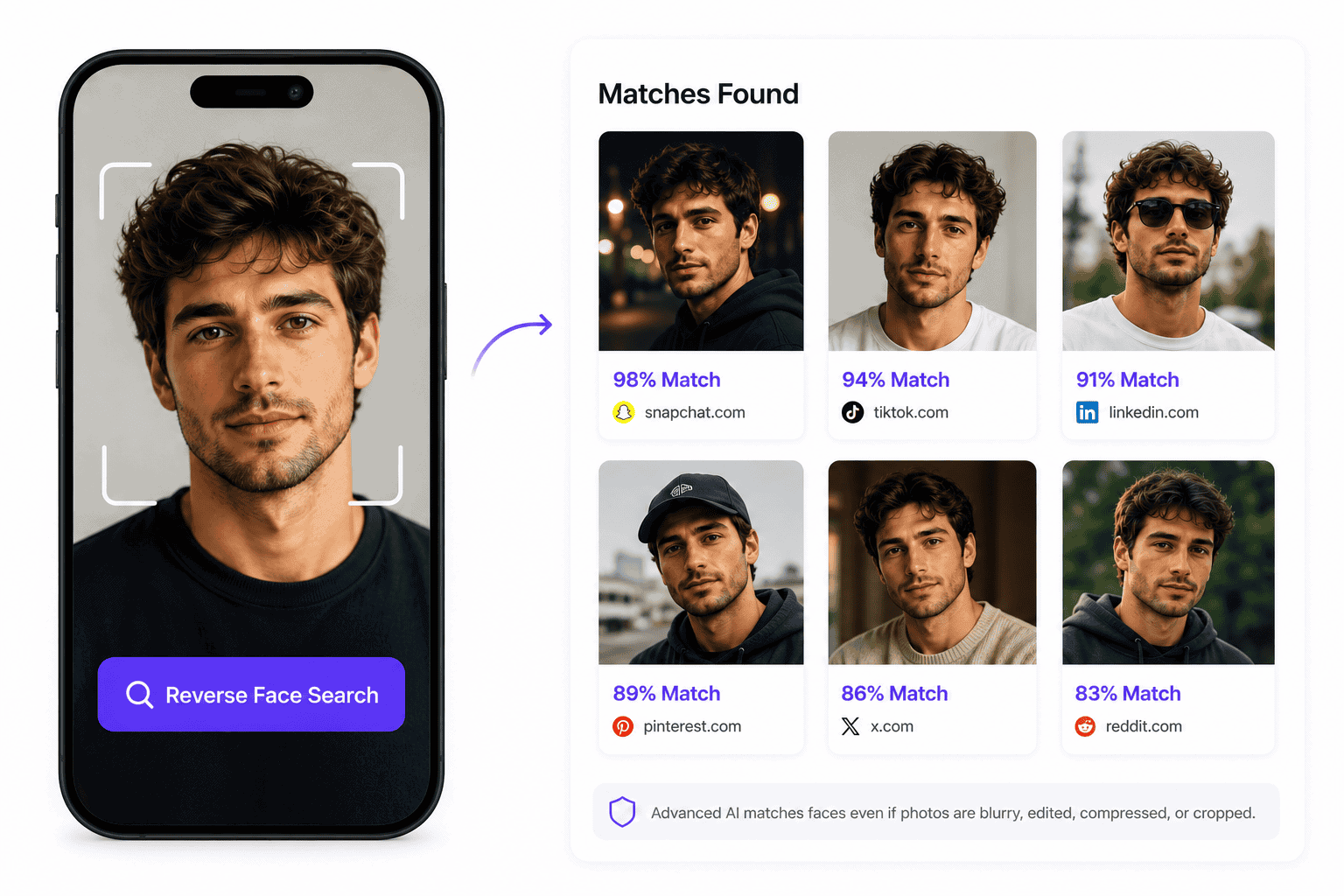
Find Out if a Face Photo Is Being Reused
A reused face photo is one of the clearest signs that something may be wrong. Scammers, catfish profiles, impersonators, and bot rings frequently steal legitimate photos from real users and repost them under fabricated names.
CatfishLens helps reveal whether the same face appears across multiple online locations. If a photo connects to another name, another country, or another biography, that is an immediate signal to investigate further.
Common Reused Photo Warning Signs
- The same face appears with conflicting names across different platforms
- The image is used on unrelated commercial or forum pages
- The claimed profile story does not match the original publication dates
- The account has only one or two photos and resists live verification
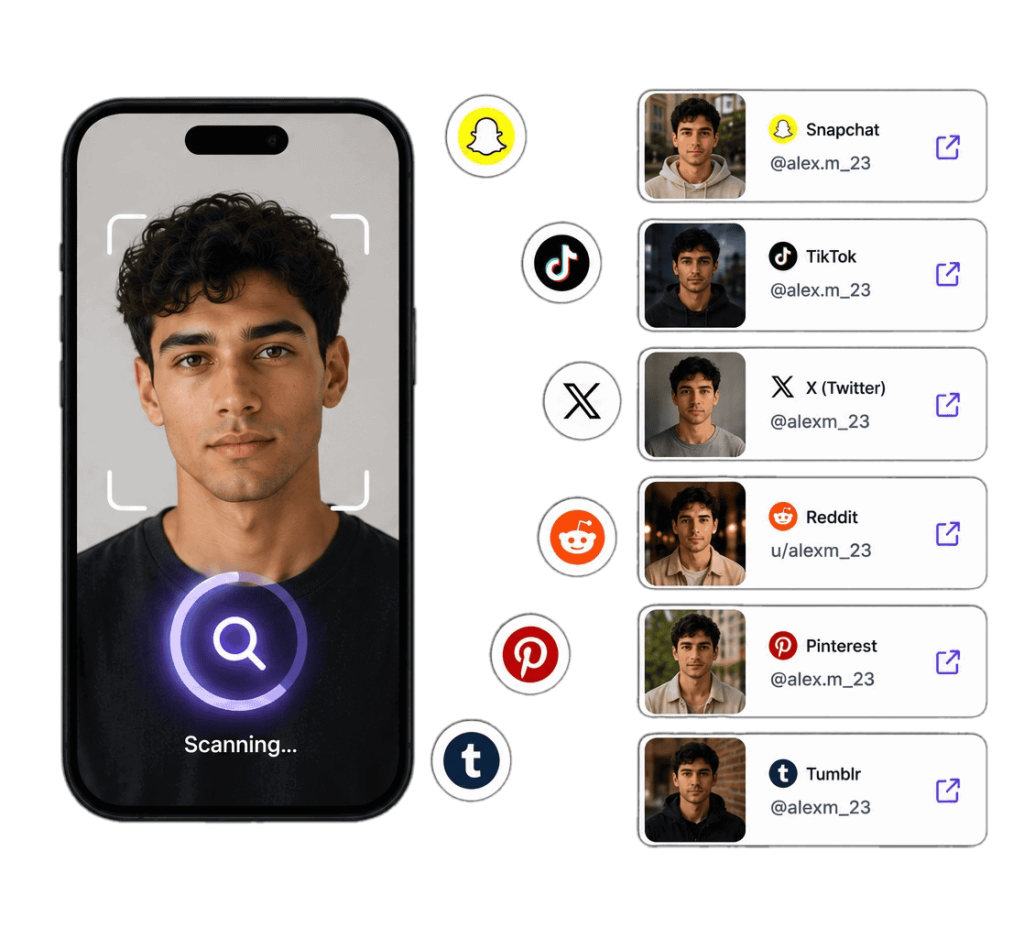
Check Cropped, Filtered, or Edited Face Photos
Many suspicious accounts do not use pristine original files. They use screenshots, cropped faces, beauty filters, compressed images, mirror selfies, or reposted pictures.
CatfishLens is designed to work with imperfect images when enough facial detail is visible. It can still discover face similarity even when the photo has been modified from its original source:
- Cropped from larger images: Matches faces isolated from group photos or background scenery.
- Saved from screenshots: Recognizes facial structures preserved in compressed chat screenshots.
- Filtered or colour-adjusted: Identifies underlying facial bone structure despite beauty smoothing or tints.
- Resized or recompressed: Robust against resolution loss from repeated social reuploads.
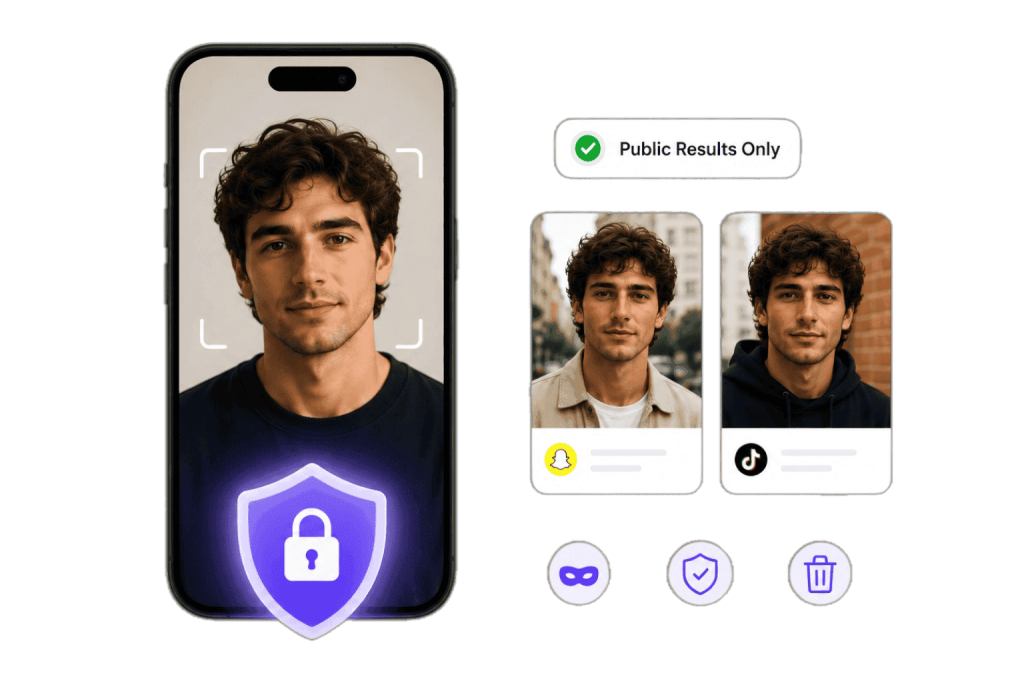
Verify Dating Photos Without Guesswork
A dating profile can appear authentic while utilizing someone else’s photos. CatfishLens helps you check whether a match’s photo appears elsewhere online before you commit trust.
Use reverse face search when:
- Their photos look excessively professional or catalog-styled
- They consistently make excuses to avoid live video calls
- Their life story contains sudden inconsistencies or contradictions
- They request urgent financial assistance, crypto transfers, or gift cards
- Their profile features only one or two isolated images
A match under another name does not always prove malicious intent, but it provides objective reason to pause and verify.
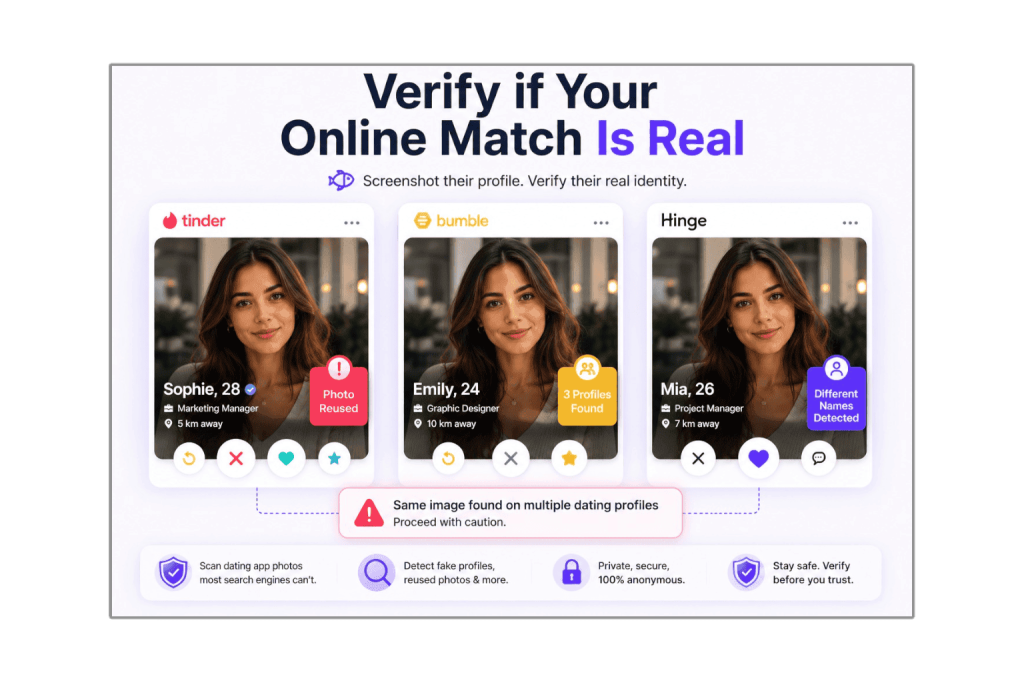
Check if Someone Is Using Your Face Online
You can also use CatfishLens to search your own likeness. Upload a clear portrait or profile picture to see where matching public photos appear across the internet.
This helps individuals and creators detect:
- Impersonation profiles: Duplicate accounts impersonating you on social platforms.
- Stolen pictures: Your personal photos reused in fake profiles or dating apps.
- Unlicensed commercial use: External websites using your photography without permission.
- Forgotten public appearances: Old directories, conference websites, or public galleries you may want to clean up.
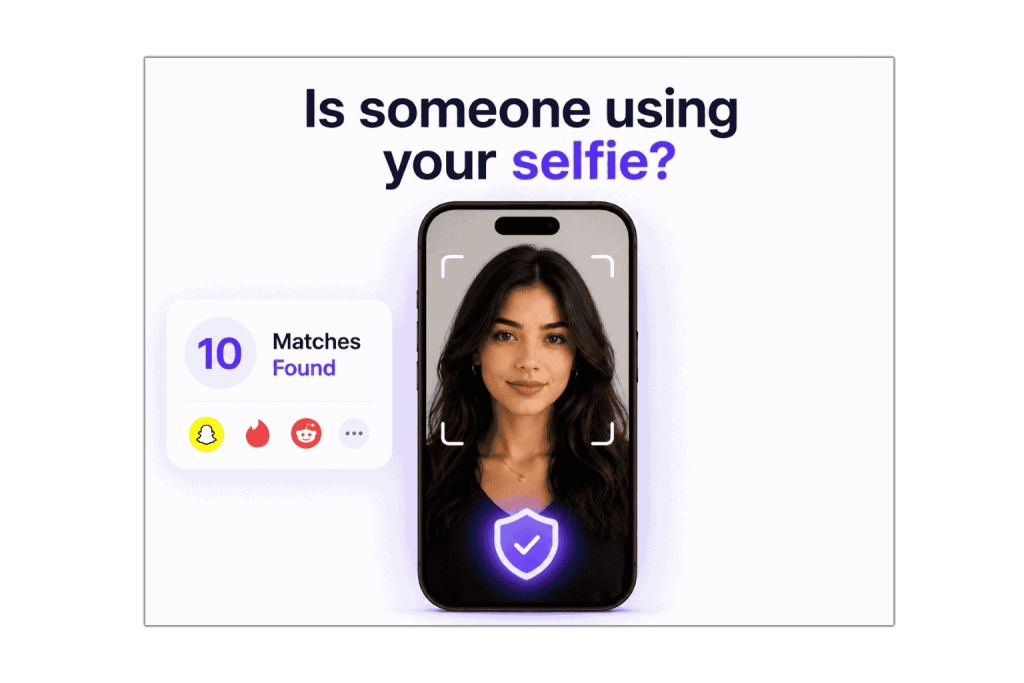
Dedicated AI-Generated Image Detection Model
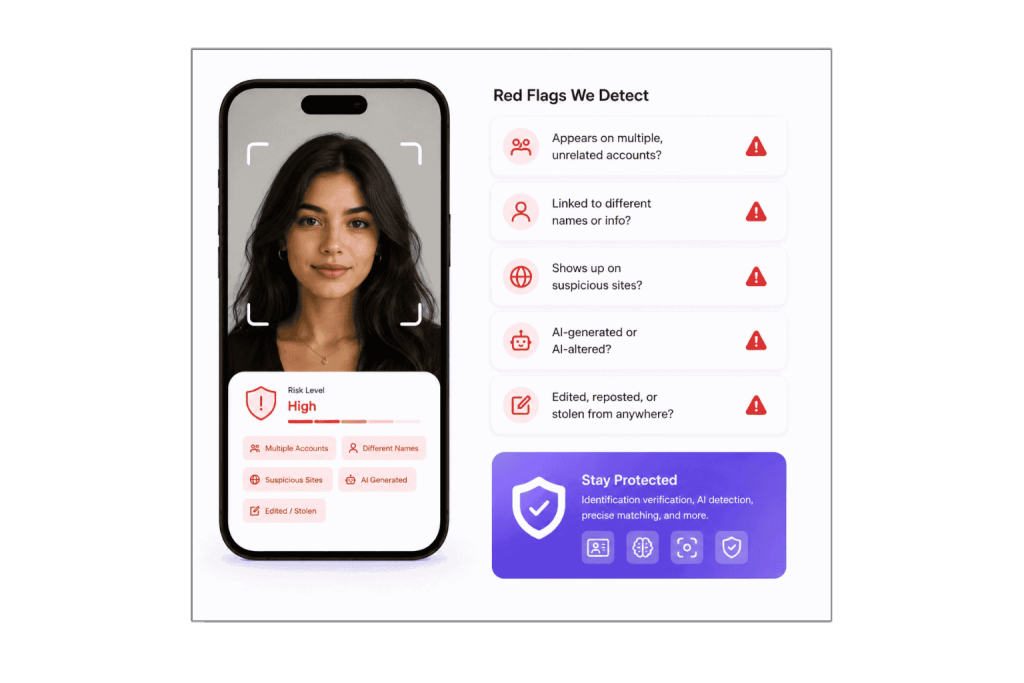
Some fake accounts do not use stolen real photos — they use photorealistic synthetic faces generated by generative diffusion or GAN algorithms. Because synthetic faces have never existed in the physical world, they produce no prior search matches.
That is why CatfishLens includes its own dedicated AI image detection model. Inside your scan results, a specialized button analyzes the picture file itself for synthetic generation markers.
🤖 In-Results “Detect if it’s AI Generated” Button
By clicking the button inside your scan report, our proprietary model analyzes diffusion patterns, pupil geometry, and texture artifacts, delivering an instant scientific rating with probability percentage.
Important Scientific Note: We never assume that an absence of search results proves an image is synthetic. A real person may simply have no public internet footprint. The dedicated AI detection tool inspects the image structure directly to calculate an objective score.
What Makes a Good Face Search Photo?
The accuracy of face matching relies directly on visible facial landmarks. Following these guidelines ensures the highest chance of discovering genuine public matches.
✅ Recommended Photo Characteristics
- Front-facing angle: Both eyes, nose, and mouth clearly visible.
- Balanced lighting: Natural or even indoor light without harsh split-shadows.
- Sharp focus: Crisp definition around the eyes, jawline, and facial contours.
- Unobstructed features: Free from large sunglasses, masks, heavy hats, or hands covering the chin.
- Single subject: A single person centered in the frame.
⚠ Photos Likely to Produce Poor Results
- Extreme side profiles: Over 45 degrees rotation where one eye is completely occluded.
- Heavy motion blur: Smudged facial features from camera movement.
- Heavy cartoon/anime filters: Distorted eye sizes or stylized skin morphs.
- Extremely tiny crops: Images under 100×100 pixels where features turn into pixel noise.
How to Interpret Face Matches & Identity Clues
Reviewing your search results requires objective evaluation. A candidate match is an investigative indicator, not an automated verdict.
Identical Source Photos
When the system detects the exact same photo published on another website, this indicates duplication. If an active dating match’s photo appears on a stock website or another person’s public profile, the profile is using non-original pictures.
Different Photos of Same Face
Matches showing the same person in different clothing or environments help you confirm an individual’s broader online presence. Review source pages to confirm whether names, handles, or locations align.
Similar Features & Resemblance
Biological lookalikes and people sharing similar jawlines or eye shapes can occasionally appear. Always corroborate visual matches with the actual text, captions, and context found on the source website.
Why a Face Search May Return No Results
Receiving zero matches is a frequent, normal occurrence. Understanding why preserves trust and prevents inaccurate assumptions.
Legitimate Reasons for Zero Matches
- The person has no public online photos: Millions of individuals keep strictly private accounts or avoid uploading photos to indexed web pages.
- The image was captured recently: A selfie taken yesterday that was never posted publicly cannot exist in any search engine database.
- The photo is in a private network: Private group chats, messaging apps, and locked accounts are not indexable by public search engines.
- Image resolution was too low: Insufficient landmark clarity may prevent the matching engine from generating a confident search vector.
⚠ What “No Results” Never Means
A search with no matches does not prove an individual is a fake persona, a bot, or an AI-generated construct.
Genuine people who value privacy frequently return zero results. If you suspect an image is artificially synthesized, use our in-app AI Image Detection tool to scientifically rate the image structure directly, rather than relying on search absence.
Responsible Use & FCRA Compliance Notice
CatfishLens is designed strictly for personal protection, verifying identity claims in private social or dating interactions, self-auditing personal digital footprints, and researching public photo reuse.
CatfishLens is NOT a Consumer Reporting Agency as defined by the Fair Credit Reporting Act (FCRA, 15 U.S.C. § 1681 et seq.). You may not use this service or its results to determine an individual’s eligibility for credit, employment, housing, insurance, educational admission, or any other consumer transaction governed by the FCRA.
Stalking, harassment, extortion, cyberbullying, doxxing, or searching photos of minors is strictly prohibited and constitutes a violation of our terms of service. All searches query publicly indexed open web sources only.
Common Questions About AI Face Search
Everything you need to know about search mechanics, privacy guarantees, match accuracy, and free-versus-paid features.
Is it free to do a reverse face search on CatfishLens?
Yes, it is 100% free to upload an image and run an initial scan. CatfishLens provides an estimated count of how many visual matches and similar face instances exist across the public internet for free.
If you decide to inspect the full list of unblurred candidate results, navigate to specific source website URLs, and access advanced identity clues, you can unlock complete report access through a one-time pass.
What happens to my uploaded photo after the search?
Your privacy is protected: after results are returned, the uploaded image is deleted from our processing cache.
We do not sell user photos, train public recognition databases on user uploads, or expose search inputs to third parties. Your search activity remains private and confidential.
How is CatfishLens different from Google Image Search?
Google Images and Google Lens focus on whole-image visual matching — comparing overall colors, objects, backgrounds, and landmarks. They work well for identifying products, plants, or identical image files.
CatfishLens is specifically a face similarity search engine. It detects human facial structures and compares biometric vectors across different photos, enabling it to locate the same person even when the lighting, background, crop, or outfit is completely different.
Does CatfishLens have its own AI image detection tool?
Yes. CatfishLens includes its own dedicated AI image detection neural model. Inside your results screen, you can click the “Detect if it’s AI Generated” button to have our model analyze the uploaded image file for synthetic diffusion artifacts and return a probability score.
Can a reverse face search confirm someone’s exact legal identity?
No automated visual search engine can legally certify someone’s identity. CatfishLens discovers publicly indexed web pages where a matching or similar face appears.
Because natural lookalikes exist, you should evaluate the contextual evidence on source websites (usernames, publication dates, and account activity) rather than treating similarity scores as final proof.
Will the person I am searching be notified?
No. Searches conducted on CatfishLens are completely private. We never notify individuals, tag accounts, or broadcast who is being researched.
What should I do if my search returns no results?
If no matches appear, try uploading an alternative photo with better front-facing lighting, higher resolution, or fewer obstructions.
If a clear photo still yields zero matches, it typically indicates the person does not have indexed photos on public web sources, or the photo was captured privately.
Can I search low-resolution screenshots or cropped faces?
Yes. CatfishLens is resilient to cropped images, social story screenshots, and mild compression, provided that fundamental facial features (eyes, nose, and mouth) remain discernible.
What should I do if I discover someone using my photos?
Document the source URLs and capture dated screenshots immediately. Use these URLs to submit an impersonation or DMCA copyright infringement notice directly to the hosting platform or website webmaster.
Start Your Reverse Face Search Now
Upload a photo to scan public web sources, estimate matches, and investigate photo reuse.
 English
  German
  French
  Dutch
Dutch  Spanish
  Portuguese